SHOWCASE / 应用展示
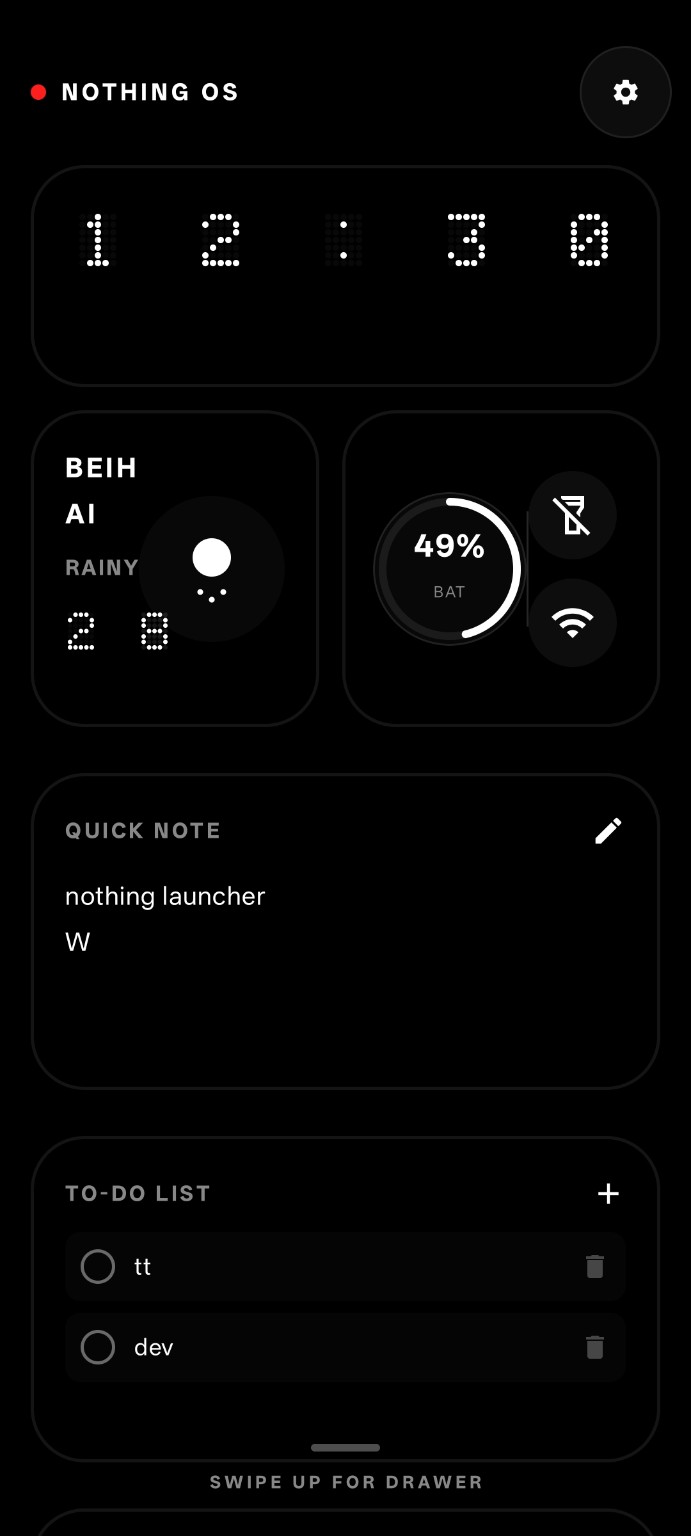
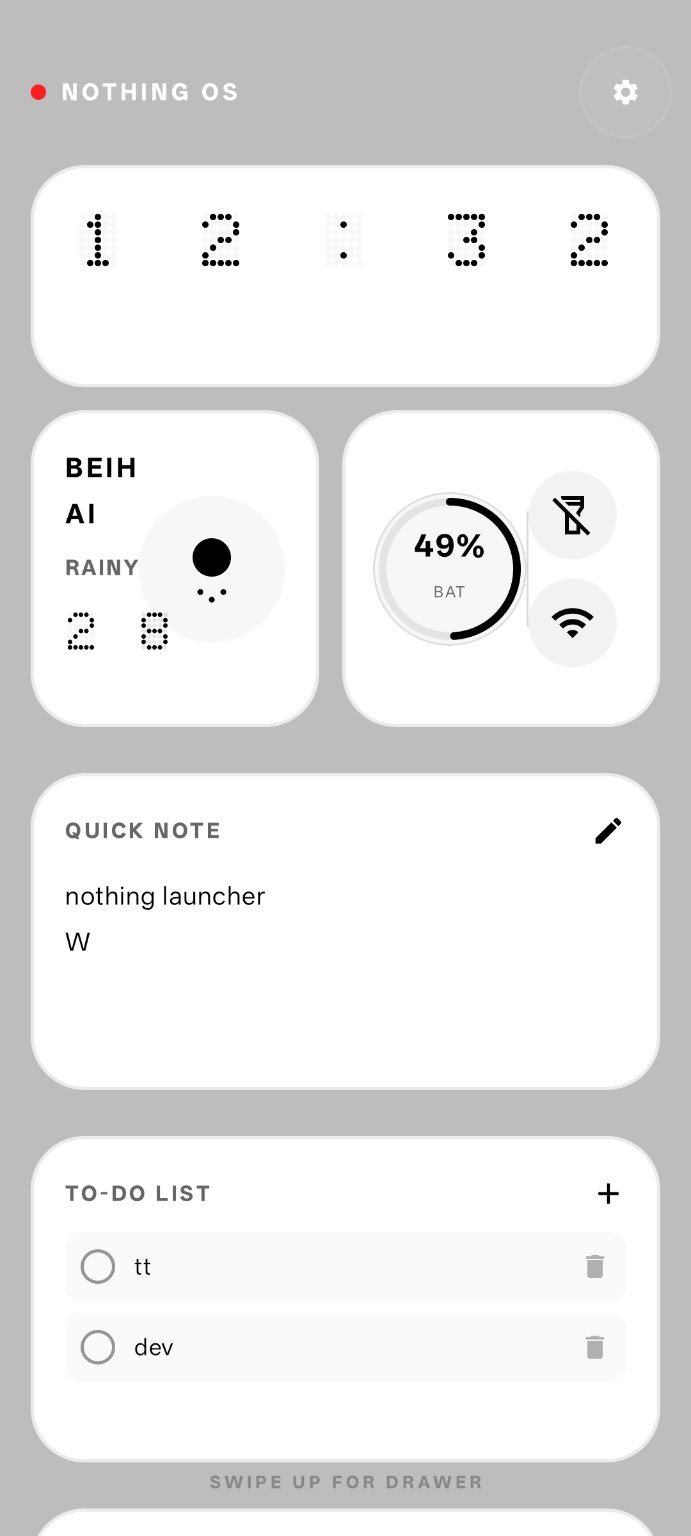
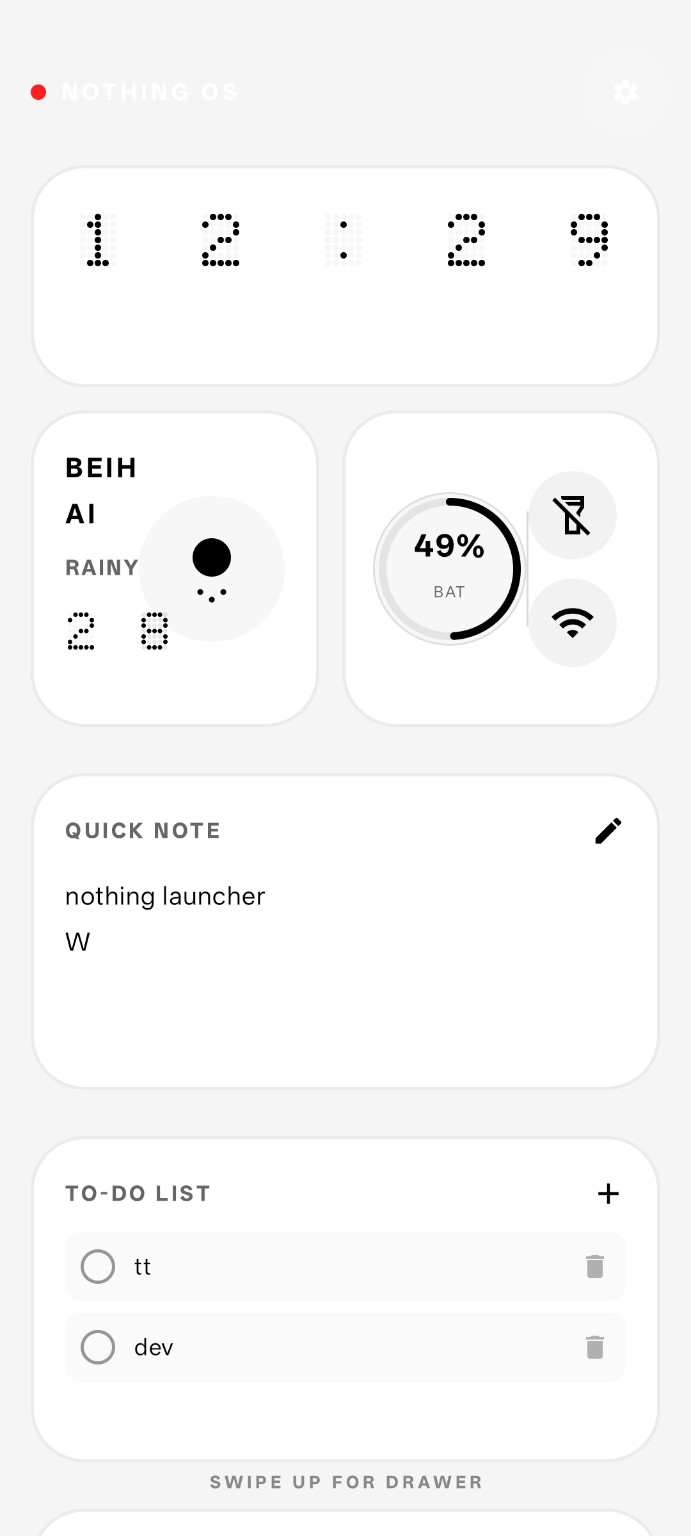
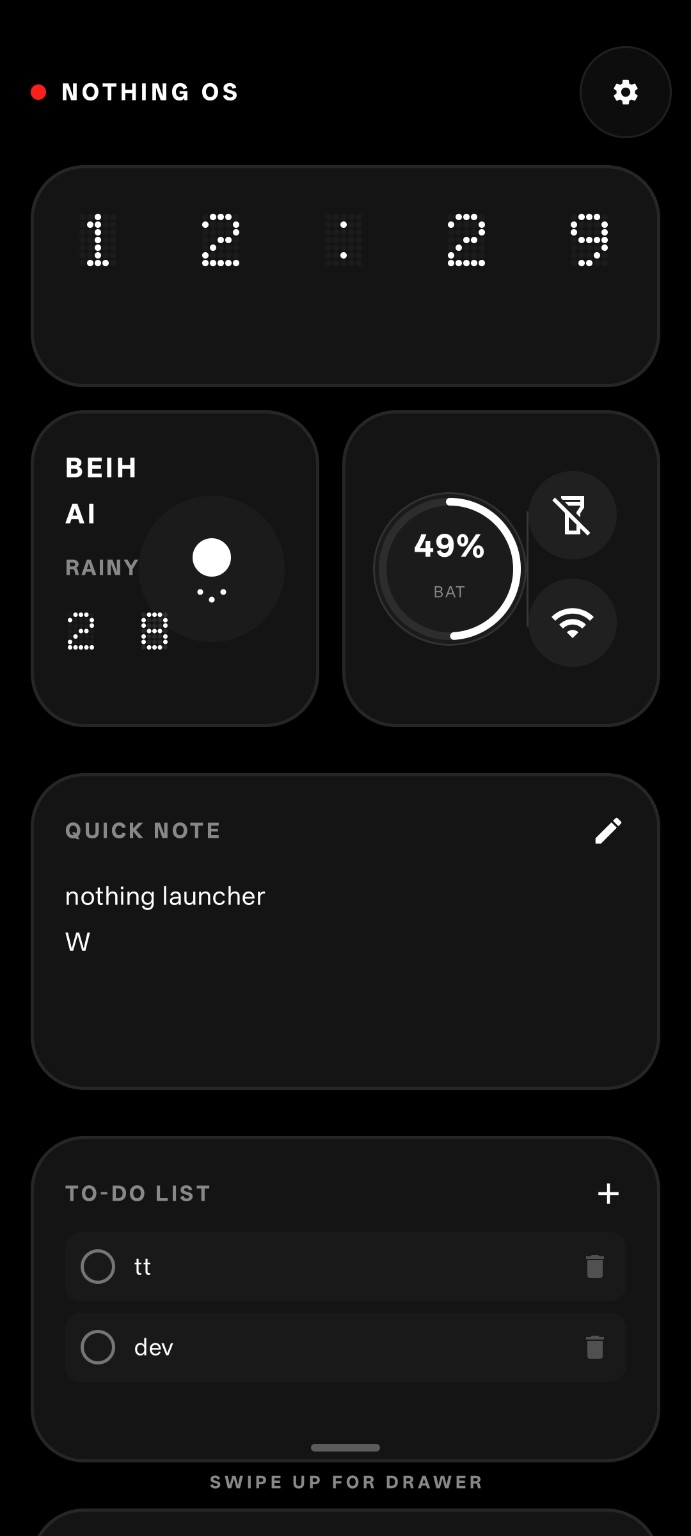
A minimalist Android launcher inspired by Nothing OS.
一款受 Nothing OS 启发的极简 Android 启动器。
Monochrome interface and clean typography.
黑白极简界面与独特字体设计。
Useful widgets and simple controls.
实用小组件与简单操作。
Find apps quickly with a clean layout.
快速找到应用。
Personalize your Android experience.
打造属于你的桌面。
Some OPPO devices require Cross Profile App.
部分 OPPO 设备需要 Cross Profile App 才能正常使用。
1. Download Cross Profile App.
下载 Cross Profile App。
2. Install and open the app.
安装并打开应用。
3. Click the button inside Cross Profile App.
点击应用内的按钮。
4. Return and set Nothing Launcher as default launcher.
返回并设置 Nothing Launcher 为默认启动器。
The launcher app needs to be set as the default launcher before use.
You can do this inside Nothing Launcher Settings:
Swipe left → Tap the big red button → Go to system settings → Set Nothing Launcher as default launcher.
使用前必须将 Nothing Launcher 设置为默认启动器。
请在 Nothing Launcher 设置中操作:
向左滑动 → 点击大红色按钮 → 进入系统设置 → 设置 Nothing Launcher 为默认启动器。